Stop typing lists.
Tell your AI
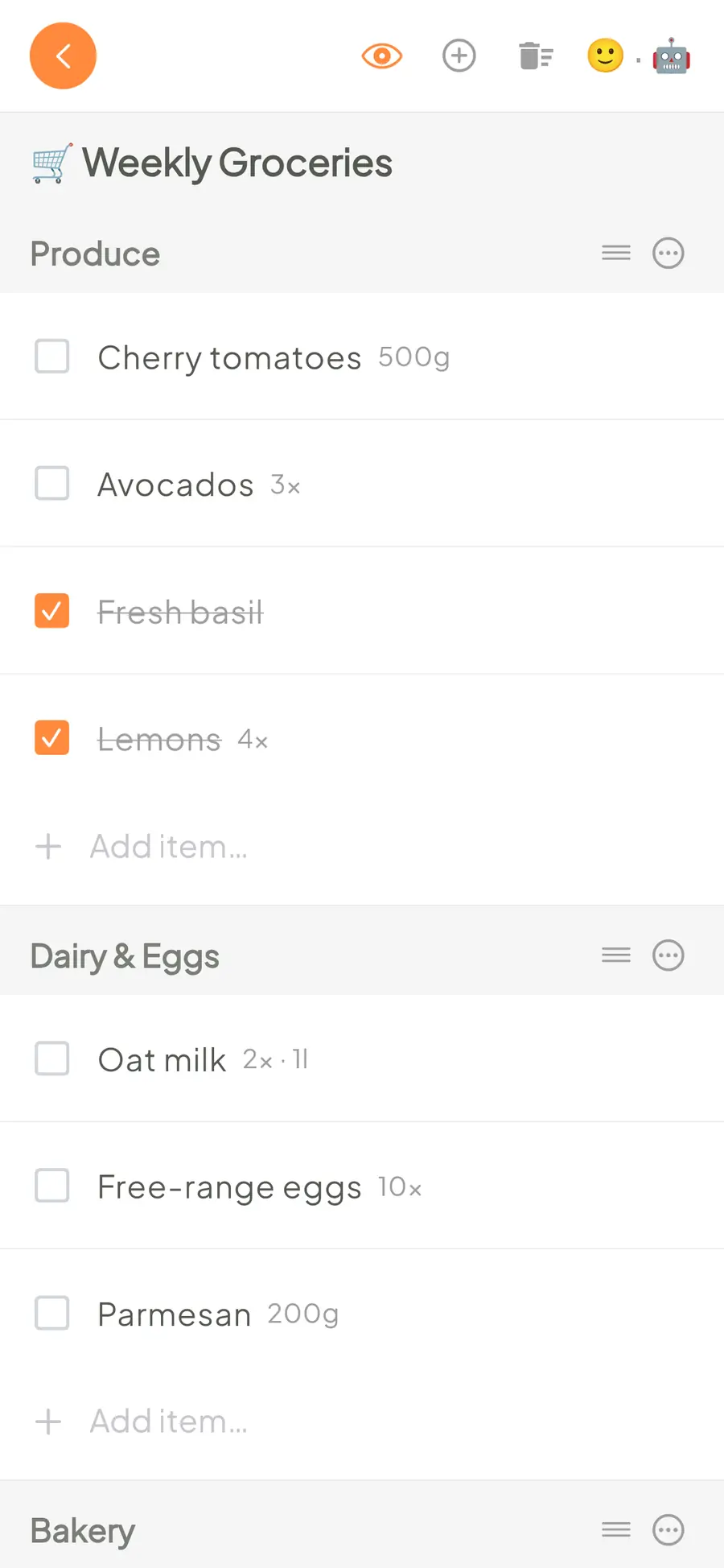
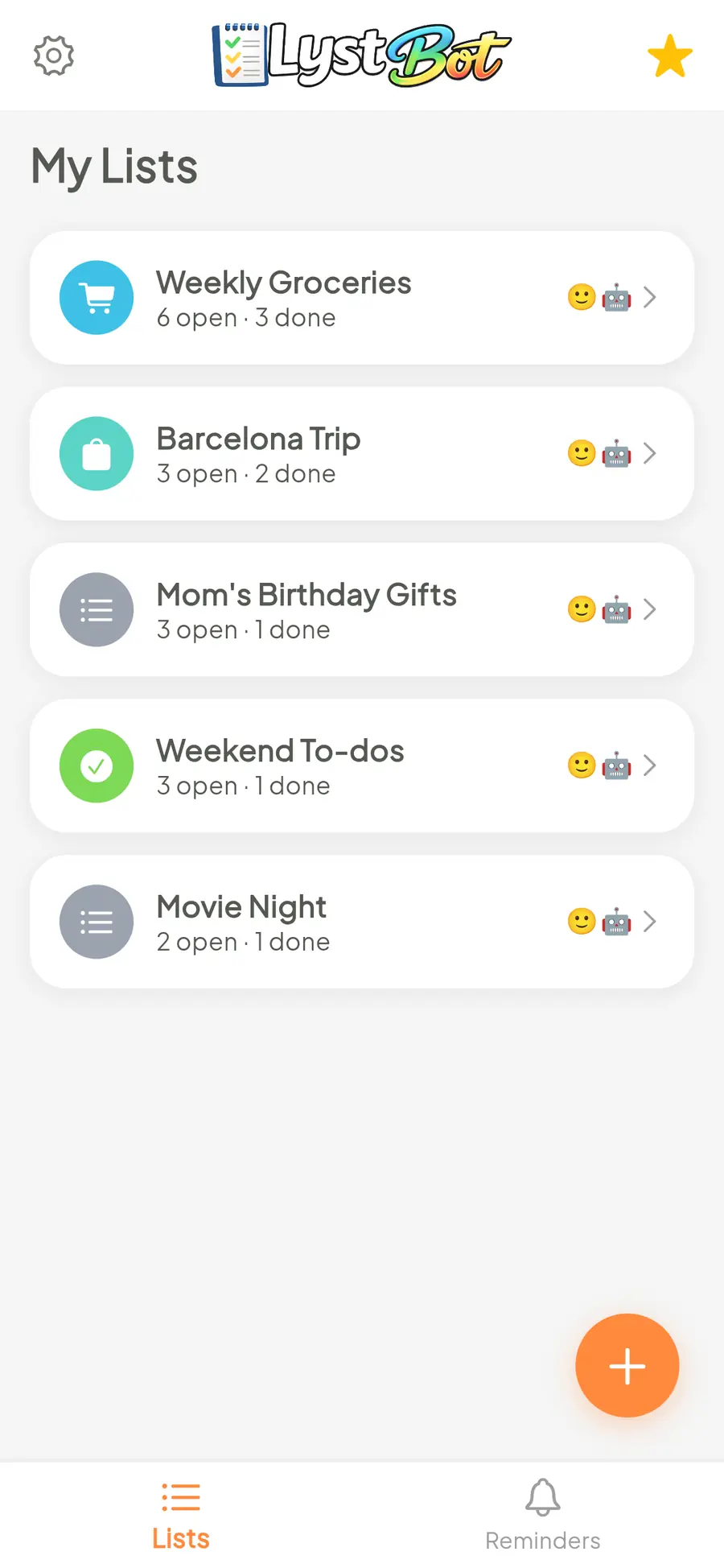
An AI list app for shopping, to-dos and packing. Ask your agent to update the lists you share with your family.
Free. No account needed.
Works with the agents you already use
Claude, ChatGPT, OpenClaw and the rest connect in a minute. No AI agent? Alexa works too.
 ChatGPT
 Claude Code
 Gemini Spark
 Grok
 Muse
 Copilot
 Cursor
 Devin
 Antigravity
 Alexa
 OpenClaw
 Hermes
 Vellum
 Comma
 Pivra Desk
 ZeroClaw
 NanoClaw
 nanobot
 IronClaw
 Moltis
 PicoClaw
Your AI plans dinner.
Your list app has no idea.
You already ask AI to plan meals, pack for a trip or find a gift. Then you say "add milk to my shopping list" and nothing happens, because your AI has no way into your list app. LystBot gives it one.


Set up in three steps
Install the app, make a list, give your AI the key. It takes about a minute.
Download the app
Free for iPhone and Android. No sign-up: open it and start a list.
Create a list, share it
Groceries, to-dos, a packing list. Share it with your family through a share code.
Connect your AI
Copy your API key from Settings and give it to your agent: OpenClaw, Hermes Agent, Claude Code, Codex, Grok Bot or any other. Also available as a ChatGPT plugin: connect with a pairing code from Settings → ChatGPT, no API key. Setup.
Now on your desktop, too.
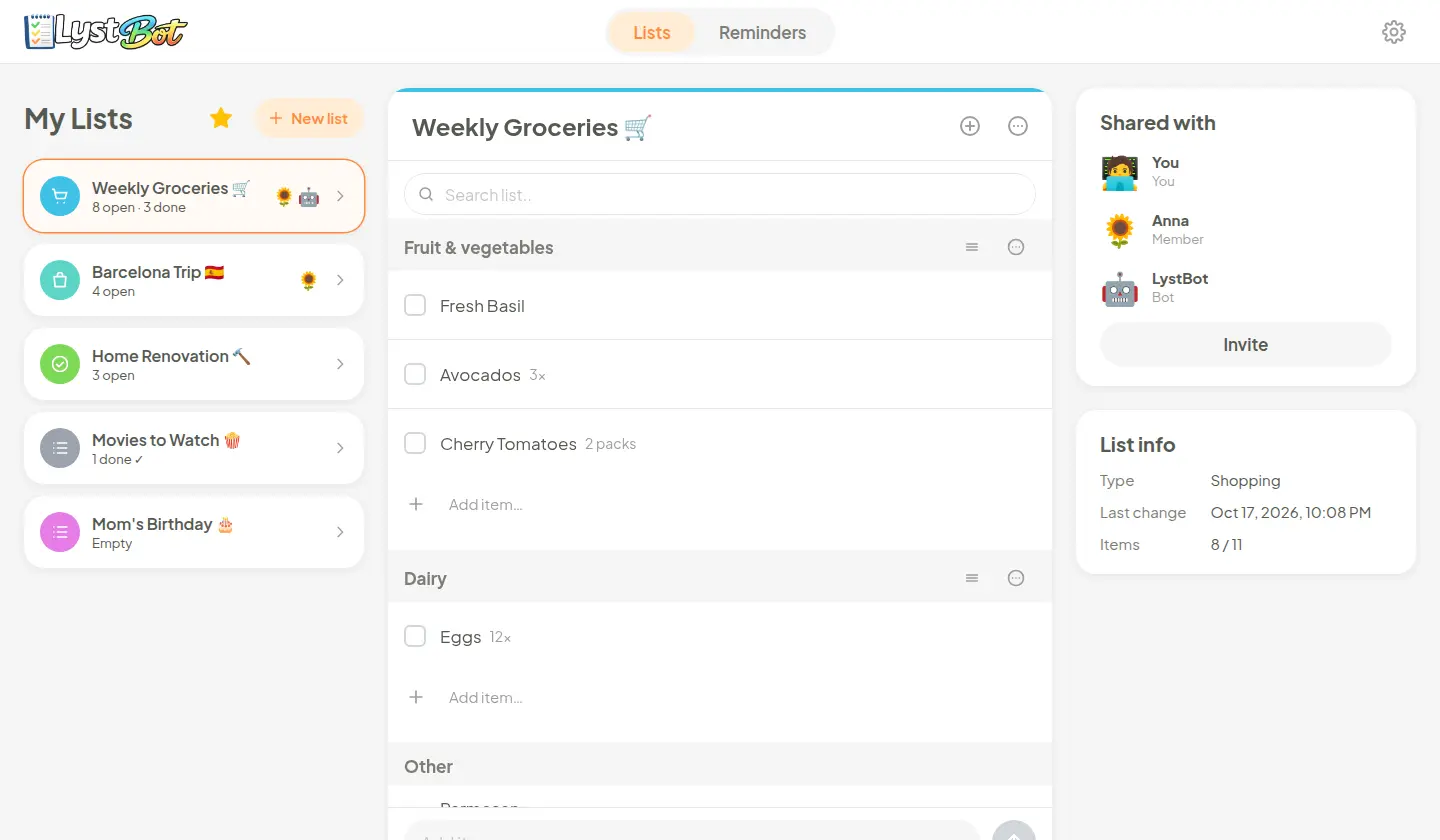
Open your lists at app.lystbot.com: same lists, same AI agents, in any browser. Sign in with a one-time code from the app, no account or password needed.
Reminders that reach your phone
Set a reminder in the app, or ask your AI to set it for you. When it's due, your phone plays its notification sound and shows the reminder.
- In the app. A title, a date and a time. Once, or every day, week, two weeks, month or year.
- From your AI. "Remind me to call the dentist tomorrow at 9." Your agent sets it through the CLI, the MCP server or the REST API.
- On your phone. A push notification at the time you picked, wherever you are.

What you can do with LystBot, a list app for AI agents
An AI shopping list for dinner
Ask Claude to read your shopping list through MCP and add the ingredients for dinner. If the list is shared with your partner, they see the new items on their phone.
An AI to-do list for your next release
Have Cursor or Cline create a release checklist through MCP. Ask it to add the tasks you agree on, then check off each one as you finish it.
A packing list to share
Give your own agent a packing checklist and ask it to create a list through the CLI or REST API. It can add the items and get a share code for your travel companion.
Free during launch
LystBot is new, and everything is free while we launch: unlimited lists and every feature, including the AI connections. No credit card, no trial period.
Pro and Family plans will come later, with a better deal for early users.
Give your AI a list to write on.
Download LystBot, copy your API key and let your agent handle the rest.